By TREVOR HOGG

By TREVOR HOGG
When taking into consideration that there are companies specializing in data capture and technology has become more sophisticated and mobile, the need for a visual effects supervisor to pack an extensive on-set survival kit is no longer a necessity. It has gotten to the point that the apps found on iPads and iPhones can do practically anything in a pinch, from scanning to quick HDRIs, plus there is the added security of having data wranglers to assist in data acquisition and management. There are still essential tools to have around, but the presentation and application of them has significantly been altered.
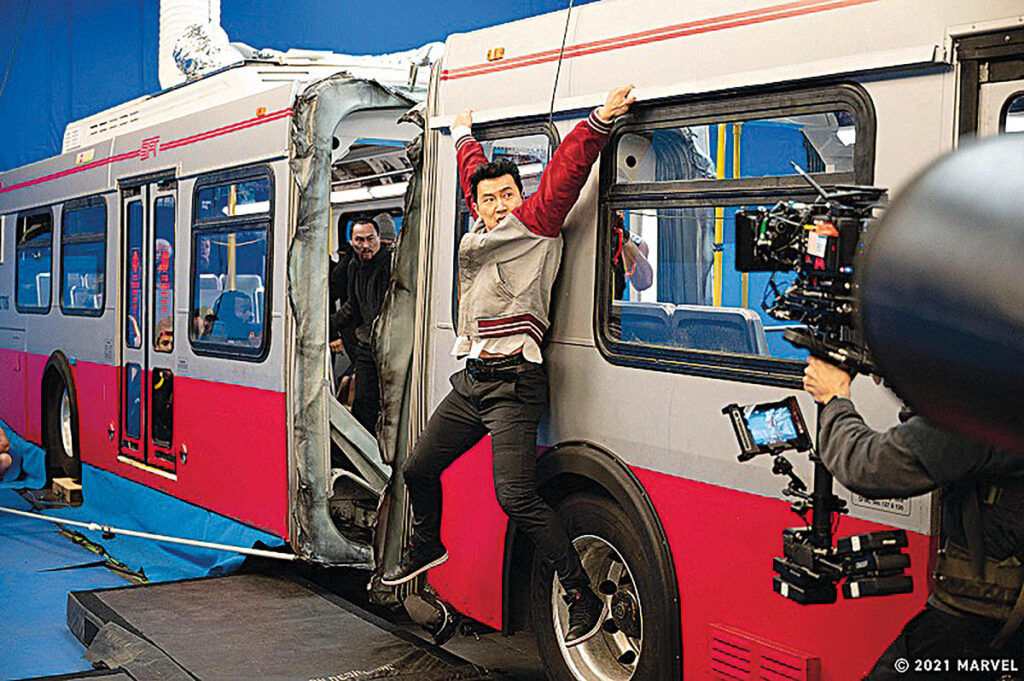
“It’s amazing that we still rely on gray and mirror balls and Macbeth charts, but we do,” notes Christopher Townsend, Visual Effects Supervisor for Shang-Chi and the Legend of the Ten Rings. “Along with HDRIs, they still provide the best ground truth of how a known object looks in the lighting environment. Along with rolls of gaffer tape and mini-LEDs for tracking markers, and various measuring devices, my iPhone is my most useful tool: shooting stills and video, tracking the sun path, calculating, messaging, notetaking, sketching, mapping, digital slating, capturing splats, editing, the list goes on, and it’s an internet accessor and communication tool, too.”
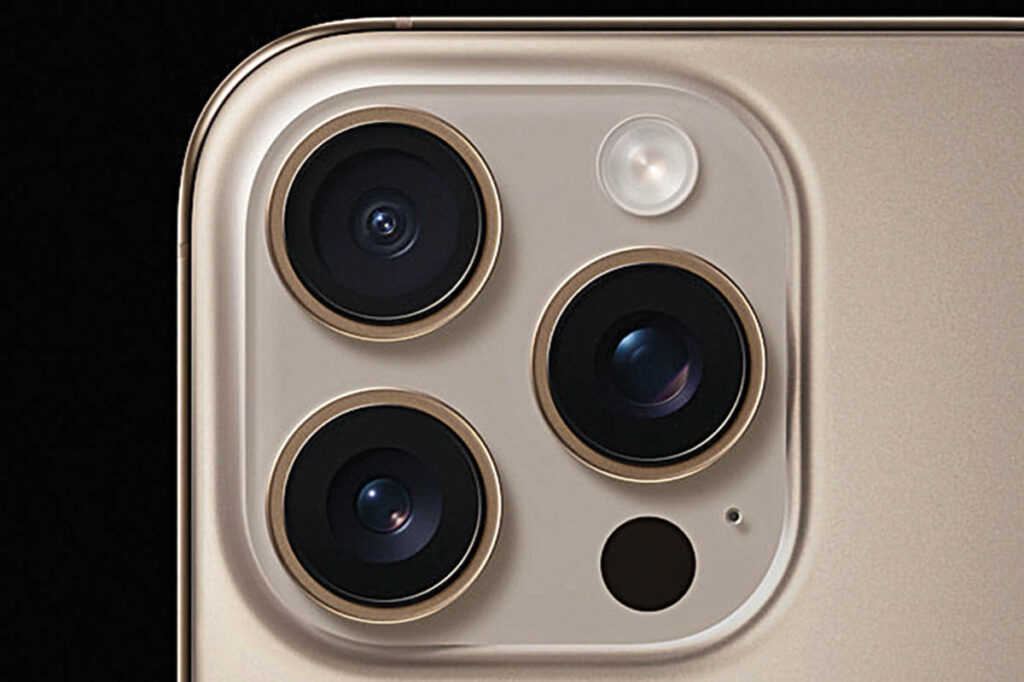
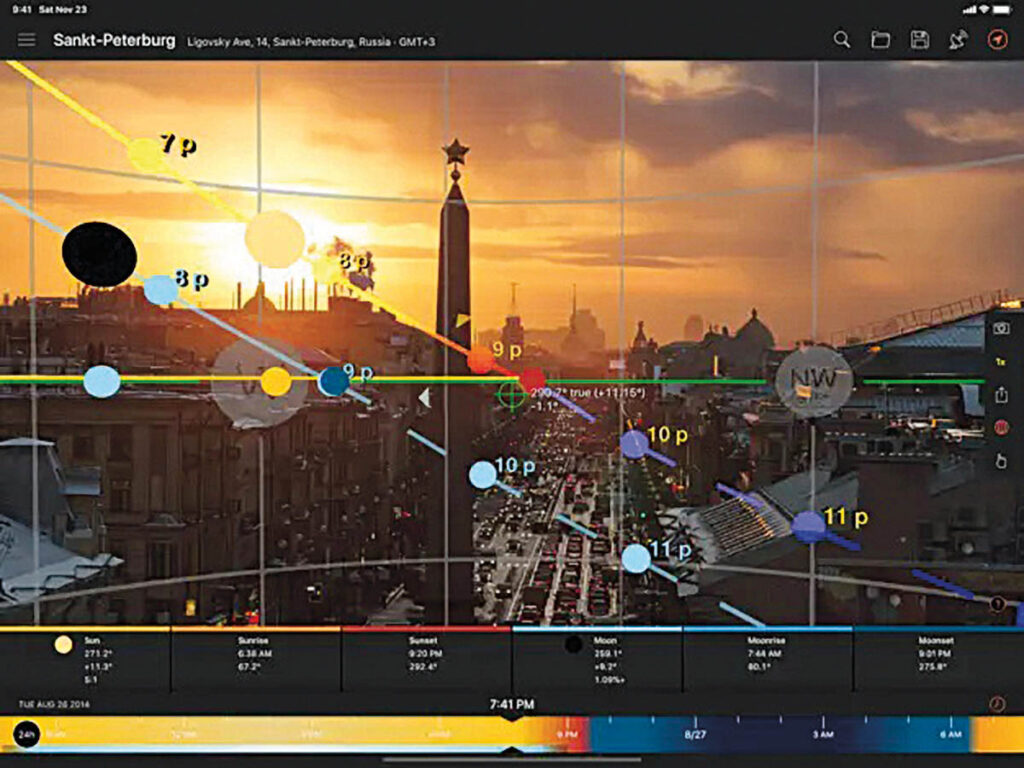
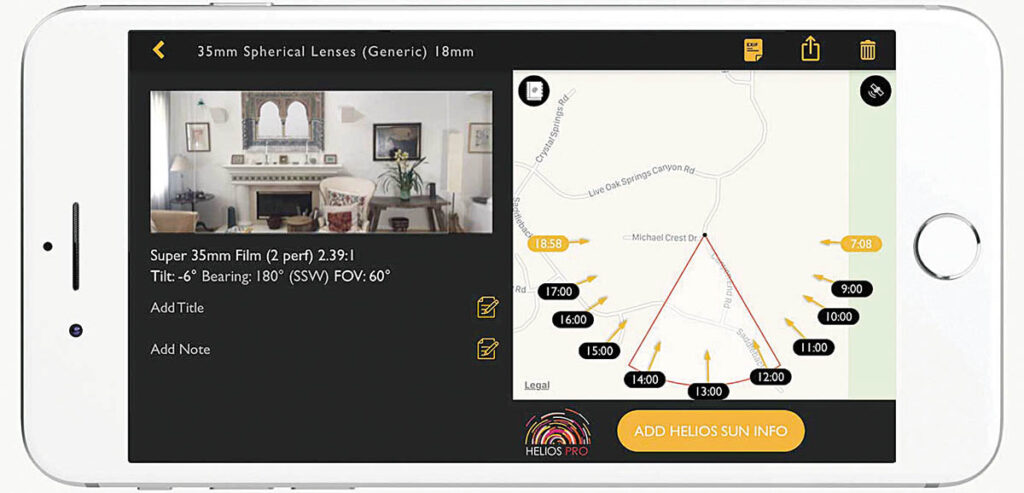
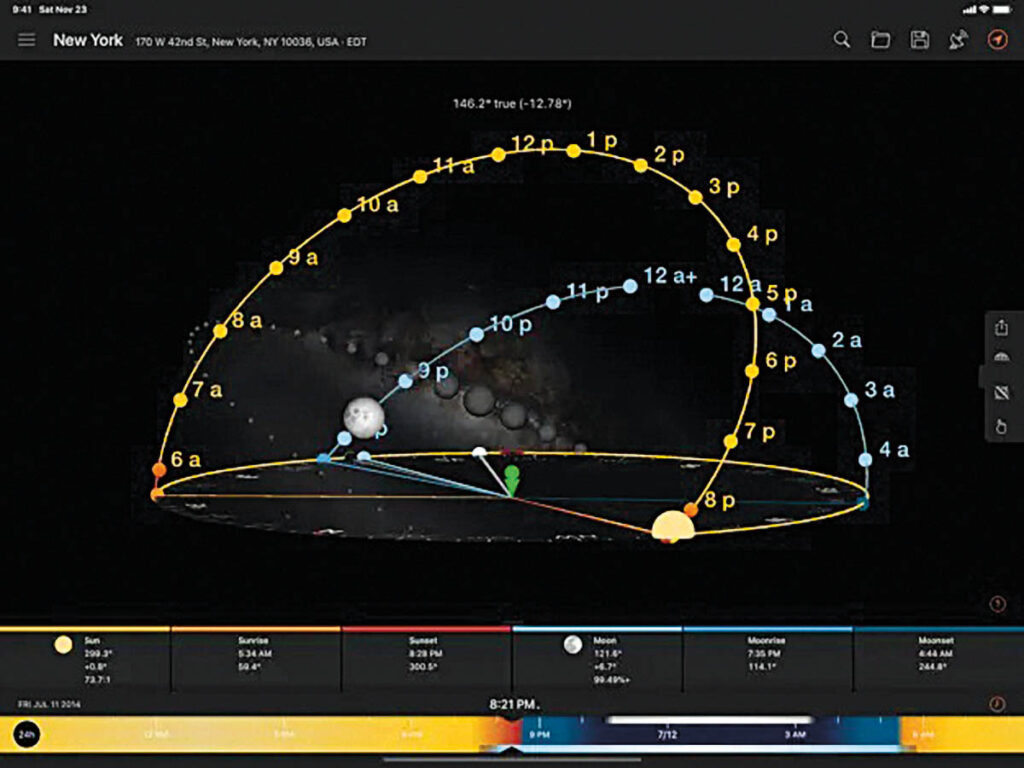
One cannot downplay the significance of the iPhone. “The iPhone does everything,” remarks Robert Legato, Visual Effects Supervisor for The Lion King. “LiDAR scan, time-of-day GPS, light meter, face scan, and operates a camera in Unreal Engine. The iPhone has become indispensable on set to the point where I rarely need to carry anything else. While I don’t typically take written notes, I can easily dictate thoughts, questions, measurements or comments, and use tools like ChatGPT to structure them into organized notes. The built-in LiDAR scanner, although not something I’d use in active production, is incredibly useful for quickly assessing spatial relationships and measurements on set. For lighting references, the iPhone is especially valuable, not just for capturing videos or photos of setups, but because each image automatically includes GPS data and timestamp metadata. This allows me to later analyze the lighting conditions using sun-tracking apps to determine exactly where the sun was positioned at any given moment. I also rely heavily on production-specific apps like Panavision’s lens simulator to visualize field of view, and Helios, which accurately predicts sun paths throughout the day. Together, these tools mean I’m equipped with nearly everything I need in one device. There’s no need to carry extra gear. Since I’m not typically involved in data wrangling, the iPhone covers my needs entirely. I’ll often take a photo of the slate as well, which allows me to correlate my notes and visual references with the exact shot. And now, with the integration of AI tools for creating quick storyboard frames or visualizing concepts on the fly, the iPhone has essentially consolidated the core toolkit of a visual effects supervisor into a single pocket-sized device.”
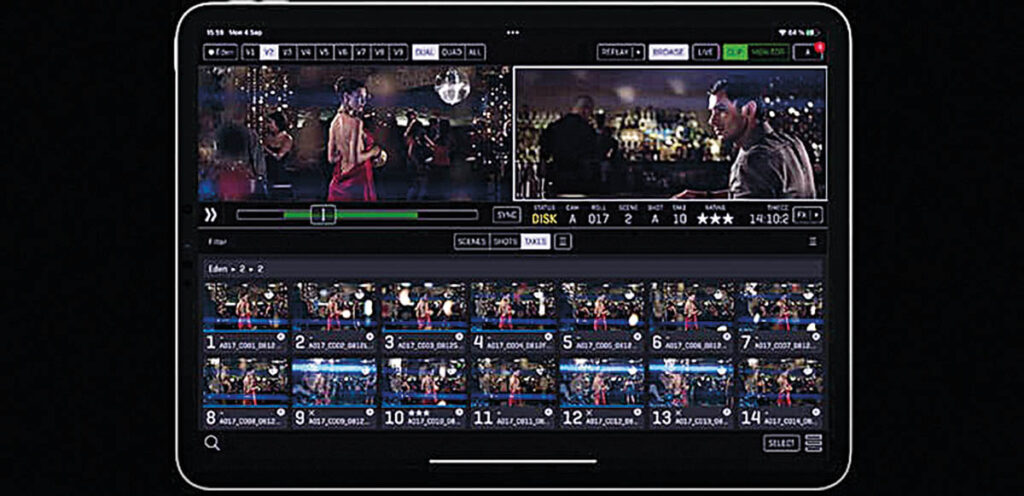
Analog tools still have a purpose, such as laser pointers and small flashlights. “Whenever I am telling people where to move something or what needs to be set up physically, I always pull out my laser pointer so I can point to exactly where I want something,” remarks Eric Carney, On-Set Visual Effects Supervisor for Game of Thrones Seasons 4 to 8. “I have two, a red for indoors and a green for outdoors. I’m constantly working on dark stages, and if you’ve ever gone outside and then back into the dark stage, it takes a minute or so for your eyes to adjust; that’s where a small flashlight is helpful to make sure you don’t trip over something.” A small laser distance-measuring tool, a disto, is helpful. “Even though visual effects wranglers are constantly measuring things with a disto, for notes I find it incredibly useful to be able to quickly measure something on my own. For instance, if I want to set something from the greenscreen, I can take my disto and quickly measure six meters.” There is a personal iPad for notes and a production one with the QTAKE app to see the imagery from the cameras. “I find it annoying to have to carry around two iPads, but they often won’t let you use your own personal iPad and their iPad is locked down, so I can’t install my own apps on it.”
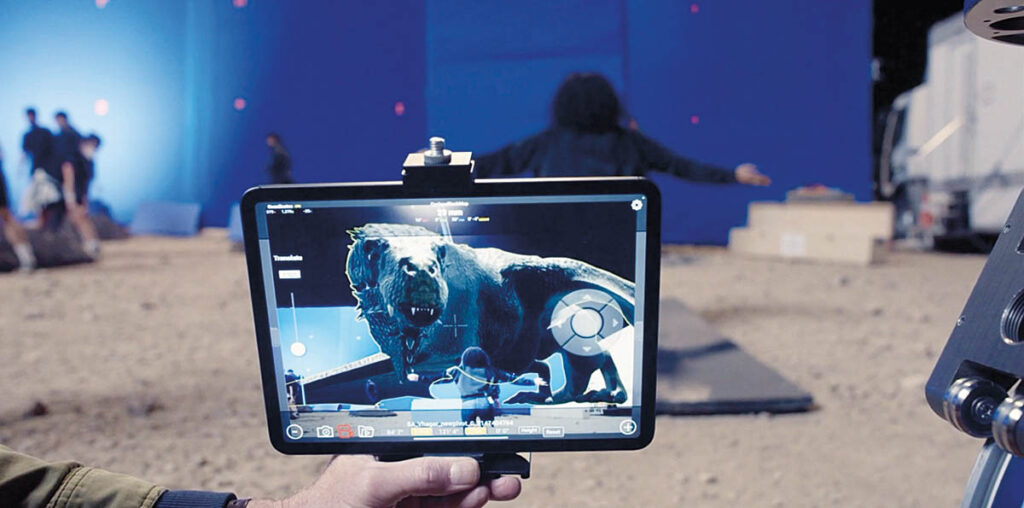
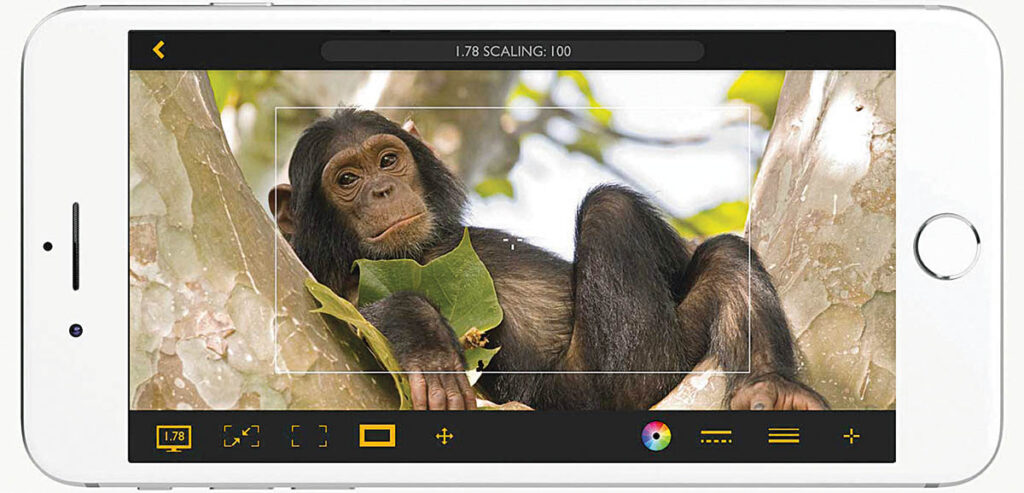
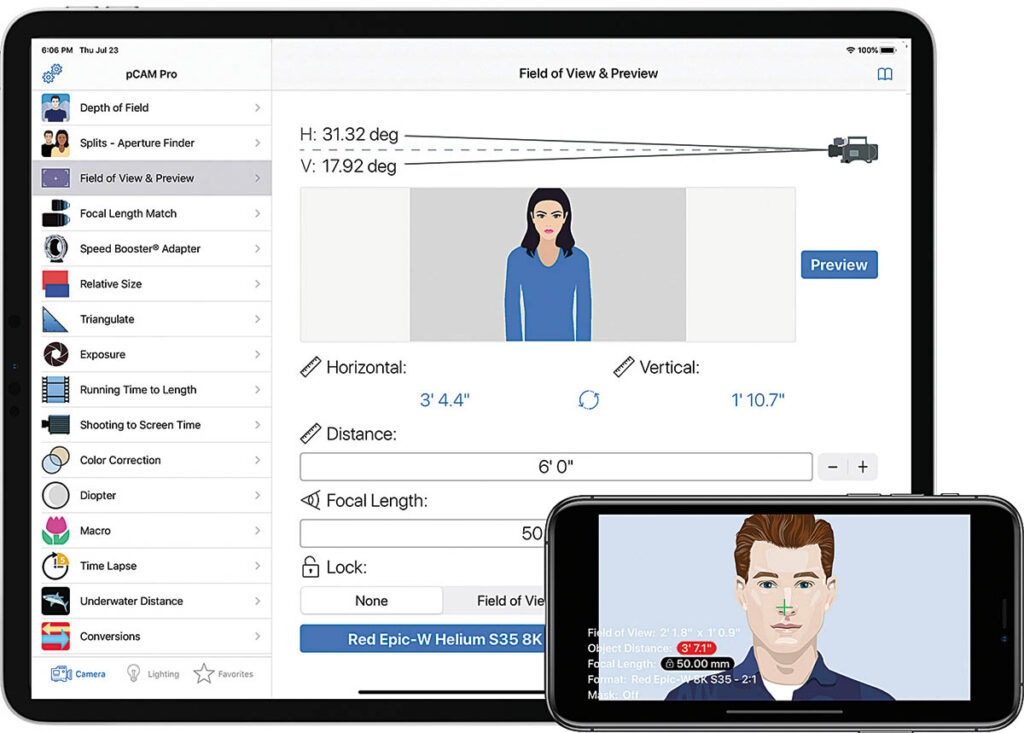
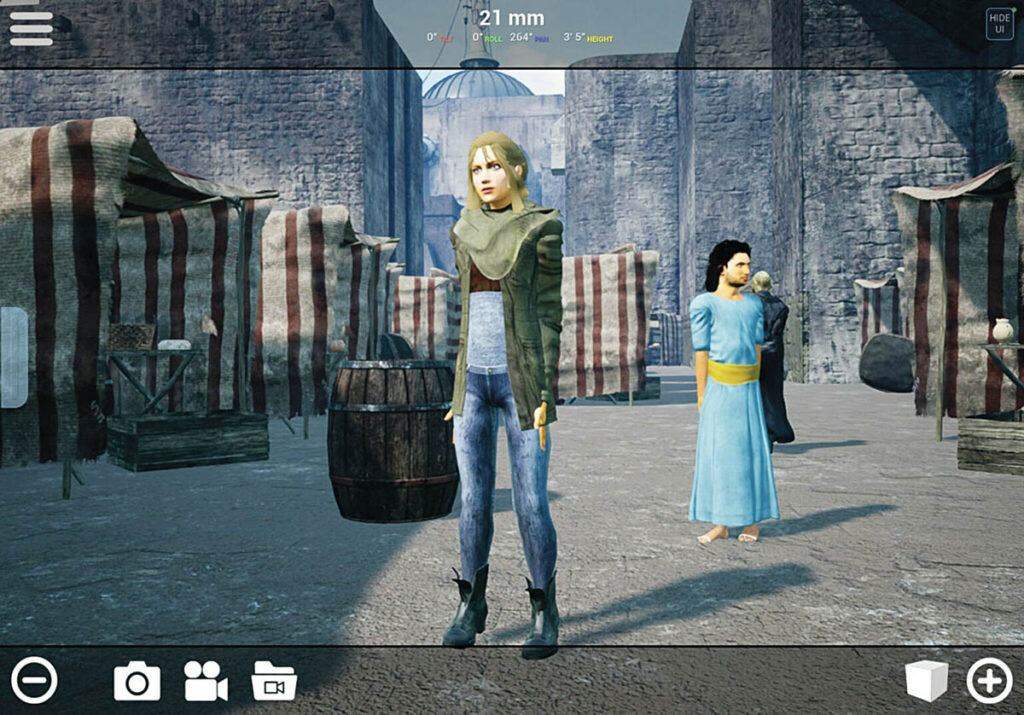
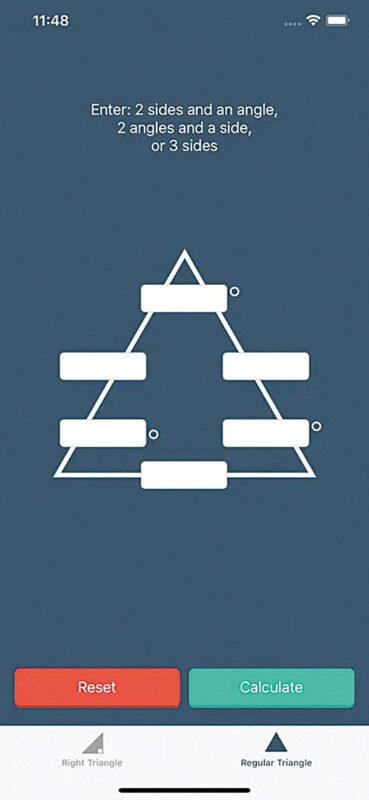
Particular standout apps include Google Docs, Google Sheets, Google Drive, Artemis, pCam, Trig Solver, Sun Solver and Cyclops. “Google Docs and Google Sheets are great for writing notes and creating spreadsheets with info,” Carney states. “I have scene-by-scene and sometimes shot-by-shot breakdowns of the visual effects work with pictures and text and methodology that I can quickly reference. Artemis is a digital viewfinder app that is great for looking to see what something will be like when using a specific lens on the cinema camera. pCam converts lens FOV from one camera to a lens on another camera, and lots of other things. Trig Solver is a simple trigonometry app that is useful when you need to do a little trigonometry, which comes up more often than you’d think. When looking at sun paths, Sun Surveyor is incredibly useful to make sure when you need to shoot elements that you know when the sun will be in the right place to match the lighting. Cyclops is an AR viewfinder app [developed by The Third Floor] that is similar to Artemis, but allows you to add CG creatures and other assets; it’s great for visualizing what a creature or set extension will look like in situ. I also use it to make sure a bluescreen will be big enough to hold the actor.”
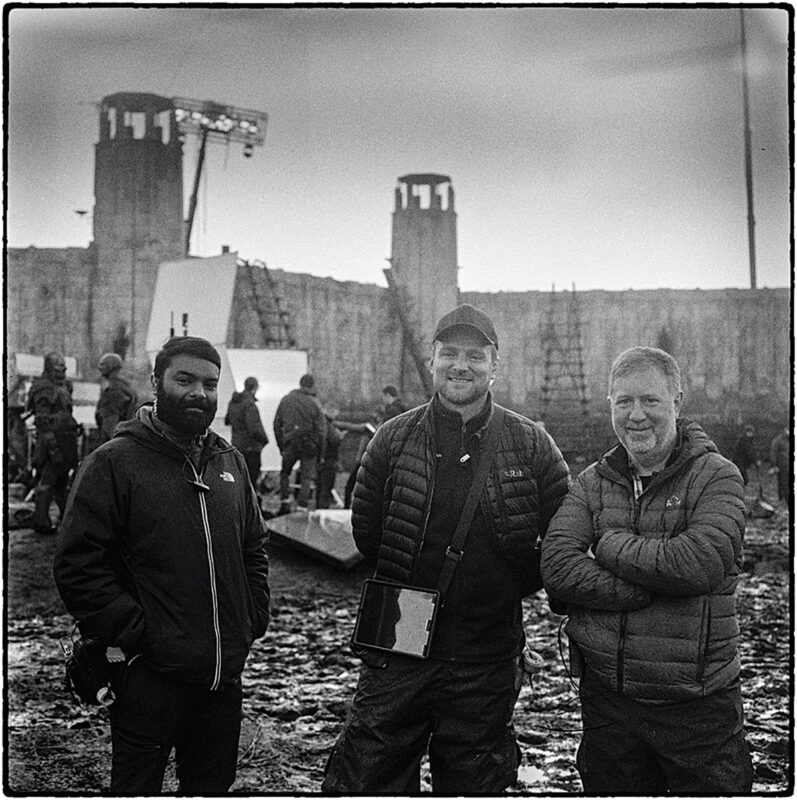
Different questions have to be answered on set. “Are we shooting what we need?” reflects Greg Butler, Senior Visual Effects Supervisor at DNEG. “Is precious shoot time being spent on the right things? Do we need another take of a stunt or special effects explosion, or can we work with it in post? Do we need any special reference passes? Those decisions are the realm of the director, DP and 1st AD, but they are usually looking for an informed opinion from the person [me] who will see it through in post.” Butler offers some advice for a visual effects person on set. “Do not run on a set or near one. Show up at least 30 minutes before shooting call time. Many important discussions and decisions for the day happen then. Make sure the 1st AD knows who you are as soon as you arrive on a new set. Don’t shout. You have a radio or are near someone who does. If you see an issue on the first take, you may be able to fix it for the next one; that’s when your relationship-building with other departments, especially grip and camera, can pay off. Never touch or borrow another department’s equipment without permission.”
“Be very careful what you say and who you say it to,” Butler continues. “Chain of command is important. One comment at the wrong time, or to the wrong person, can spin out of control quickly. Avoid bright clothing as it can interfere with actor eye lines. Be careful what you say on set as there are ears everywhere. Be situationally aware and socially adept. Keep your eyes and ears open. Be prepared. Read the call sheet ahead of time, and know the expected visual effects work, as well as what could turn into VFX work. Watch your step at all times. There are tripping hazards all over the place. Always make way for people carrying something heavy or awkward. Know which way the camera is pointing before walking onto a set. If you really need something, ask for it. It takes a lot of effort and money to get a shooting unit together. You’re there to help make the most of it. Be confident but not arrogant. Be curious, helpful and yourself.”
Visual effects supervisors, shifting between representing the clients and vendors, are influencing the problem-solving and the approaches taken on set. “Whether I’m in the trenches on set or months deep in pre-production planning, I believe the best visual effects come from collaboration, clarity and readiness,” notes Roni Rodrigues, Visual Effects Supervisor for News of the World. “That’s where the survival kit comes in and why I never show up without it. Let’s start with what’s always glued to my hand, which is my iPad. But it’s not the hardware; it’s the app that matters. Notability is the unsung hero of my day. I drop in call sheets, scripts, storyboards and notes from the director. One tap and I can drag an email attachment straight into its folder. No more, ‘Where’s that PDF buried in yesterday’s inbox avalanche?’ It’s all in one place, searchable and scribble-friendly. Organized chaos, but the good kind.”
Having a spare T-shirt is good idea. “This may sound funny, but trust me, after 12 hours on a dusty location, sprinting between monitors, drones and greenscreens, a fresh T-shirt is worth its weight in gold,” Rodrigues states. “Especially, if there’s a surprise production meeting or a client dropping by.” Pairing a mirrorless camera with a belt-mounted camera clip is helpful. “As a 2D artist at heart, I can’t resist snapping reference photos. Having a belt clip for my camera keeps it handy without turning me into a backpack mule. From textures and light cues to last-minute continuity shots, having that camera ready is like having a second pair of eyes.” A 360-degree camera is a reliable sidekick during tech recces. “I snap 360-degree shots of a location in seconds, while still fully engaged in a visual effects chat with the DP and director. Later, I can virtually ‘walk through’ the space from any angle. It’s a gamechanger for planning clean-up, extensions and even HDRI setups.”
Velcro tracker markers have become part of the on-set routine. “A couple of years ago, I started using tracker markers with Velcro, and I’ll never go back,” Rodrigues recalls. “Picture this: We’re mid-shot and someone realizes that nice clean greenscreen CU has zero markers. No problem. I channel my inner ninja, chuck a few Velcro dots into place and boom! We’re back in business.” Some traditional tools never get old. “Gray and chrome balls are the holy relics of visual effects but have saved many a CG comp from turning into a lighting nightmare. A laser measure with peak viewfinder is for those moments when the only way to explain depth is to show it. It is good to have a HDRI kit with Nodal Ninja because you will be asked to shoot a clean 32-bit HDRI at golden hour while the special effects team ignites something in the background. A texture camera with multiple lenses is great for grabbing that flaky rust, blood-splattered floor or mossy rock that will become the environment in post. GoPros are discreet, reliable, perfect for secondary references or even plate backups. And finally, gaffer tape in every color, which fixes everything from a broken kit to taping tracker markers to actor’s shoes [don’t ask!].”
For those wondering what can be kept inside of a backpack instead of a Pelican case, here are some items: “A tiny mole-skin notepad for notes, notes, notes; Sharpies of various colors because big, bold colors get people’s attention when sketching something for them; and a Xrite pocket color chart for those off-the-cuff iPhone photos or videos I know I will use as a comp element later,” remarks Johnny Han, Visual Effects Supervisor for The Penguin. “Zeiss mini eyeglass spray is important because you can’t be a visual effects supervisor without being able to see clearly. Metric and imperial small tape measures end debates about if someone’s distometer is working right. USB-A to USB-C adapters as well as a NVME M2 4TB drive, as you always need one superfast drive, just in case. It’s also good to have a USB thumb drive and one drive you don’t mind losing when lending it. For those overtime shoot days in the middle of the forest, a power bank is useful. To stay protected and healthy, include an Arc’teryx waterproof light down jacket, sunblock, Chapstick, hand sanitizer, bug spray, itch cream, antihistamine, Tums, Tylenol and mints. For those long onsite Zooms when your AirPods give out, wired earbuds come in handy.” Peculiar items are also important. Han adds, “In one production office I worked in, they’d always run out of the good stuff, so I’d bring my own Nespresso coffee pods. When your bag is a common black North Face, it can go missing a lot, so bring an Apple AirTag. Never underestimate the importance of spare socks because on London shows, socks can get wet very easily. Cash is not obsolete, especially when going into remote locations that don’t take American Express! And finally, rolls of 1-inch gaffer tape, black and/or green, as I promise it will get used at some point.”
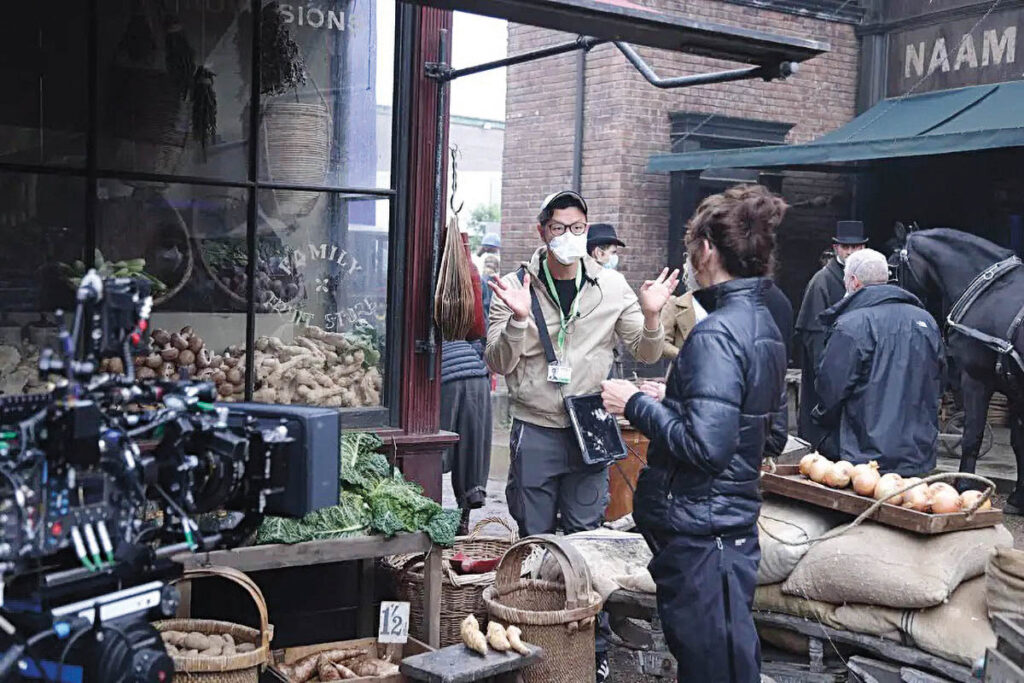
A survival kit is about surviving the unpredictable world of location shooting. “Fortunately, over the past two decades, on-set visual effects teams, particularly data wranglers, have become so well organized and professional that some of the kit responsibility/stress has been taken off the supervisors, and the wranglers typically handle the bulk of image and reference capture gear,” observes Adrian de Wet, Visual Effects Supervisor for The Hunger Games: The Ballad of Songbirds & Snakes. “This includes the chrome and gray reference spheres, DSLRs for HDRI capture, and Macbeth charts for color reference. The challenge comes when multiple units are shooting simultaneously. At that point, I either need to deploy extra gear from my own kit or, on more than one occasion, call in a favor from a friendly local vendor [Thank you, DNEG!].” Witness cameras are an important resource. De Wet notes, “Whether it’s GoPros or Blackmagic cameras, I’m meticulous about ensuring our multiple witness cameras are perfectly in sync. To make that happen, I carry Tentacle Sync devices to maintain consistent LTC across every camera. Not everyone brings them, and recently they’ve been hard to get, so I keep them in my kit as an insurance policy. I travel with a DSLR on a tripod and a nodal head, paired with a small but high-quality prime set – 24mm, 50mm and 200mm – plus a versatile 24-105mm zoom. For HDRIs, especially with second units, I keep an 8mm fisheye lens handy. I also carry my Leica Q2 for quick all-day, point-and-shoot reference capture. And of course: batteries. Backup batteries. And backups for the backups.
Essential for a multitude of reasons are a disto laser measure and measuring tape. “I also bring as many memory cards as I can fit in my bag, along with external drives for immediate onsite backups,” de Wet states. “My laptop travels everywhere with me, as does a color-calibrated iPad in a waterproof case, preloaded with techvis, previs, storyboards and scripts. The iPad is invaluable for monitoring a live feed via QTAKE. I also carry multiple chargers and a powerful Anker brick that can simultaneously top up a laptop and a phone, plus more hard drives for daily incremental backups.” Cables ensure connectivity. “My cable bag is a tangle of every conceivable connector, some so obsolete I’m not even sure what they connect to anymore [FireWire?]. A mobile hotspot router can be a lifesaver. Sometimes the visual effects department needs its own private WiFi network to send large files to vendors without depending on patchy on-location Internet.”
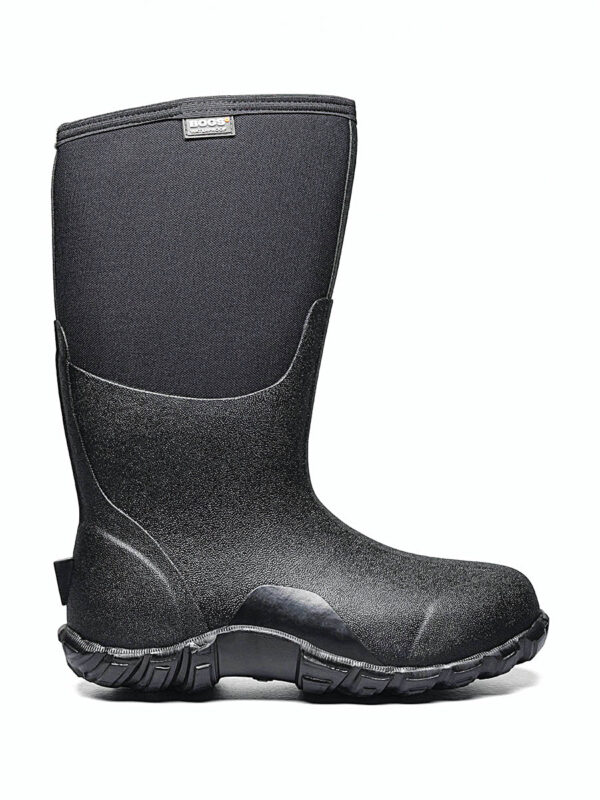
Nothing replaces having a notebook and pen. “There’s something about jotting down a director’s ideas by hand,” de Wet reflects. “It’s faster, less distracting and, to me, has better optics than tapping away on an iPhone when someone’s talking to you.” A label maker is non-negotiable. “Otherwise, half your cables will walk away by wrap. I also stock up on camera tape in every color imaginable for impromptu tracking markers.” Weather can be brutal. “I keep a waterproof shell jacket, waterproof trousers and boots at the ready. For cold night exteriors in winter in Toronto, an arctic-rated down jacket is essential. I also pack a folding chair, thermal flask, hats, gloves, face masks, sunglasses, cleaning cloths, lens spray, a small glasses repair kit and my own walkie-talkie earpiece with microphone. Ultimately, my kit is about redundancy, organization and preparation. On a film set, if something can fail, get lost or run out of power, it eventually will. My job is to make sure that when it happens, we’re ready.”